Copy as usual
ClipDock quietly notices what you copy. Repeated copies stay tidy.
⌘ C
 ClipDock
Clipboard history for macOS
ClipDock keeps your recent text, links, images, and files in the menu bar. Search, copy, and keep moving.
Built for macOS 14 or later. No account required.
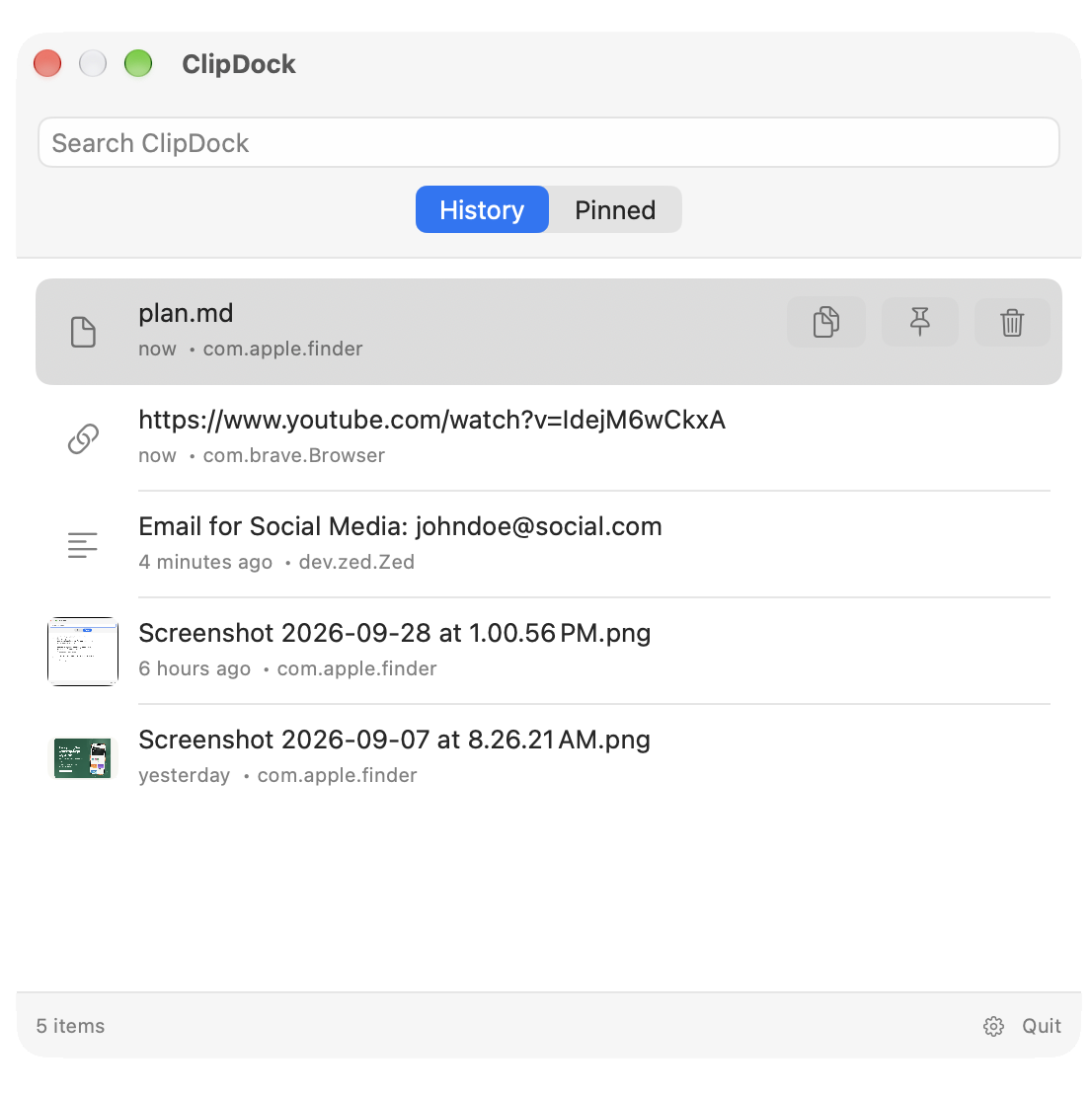
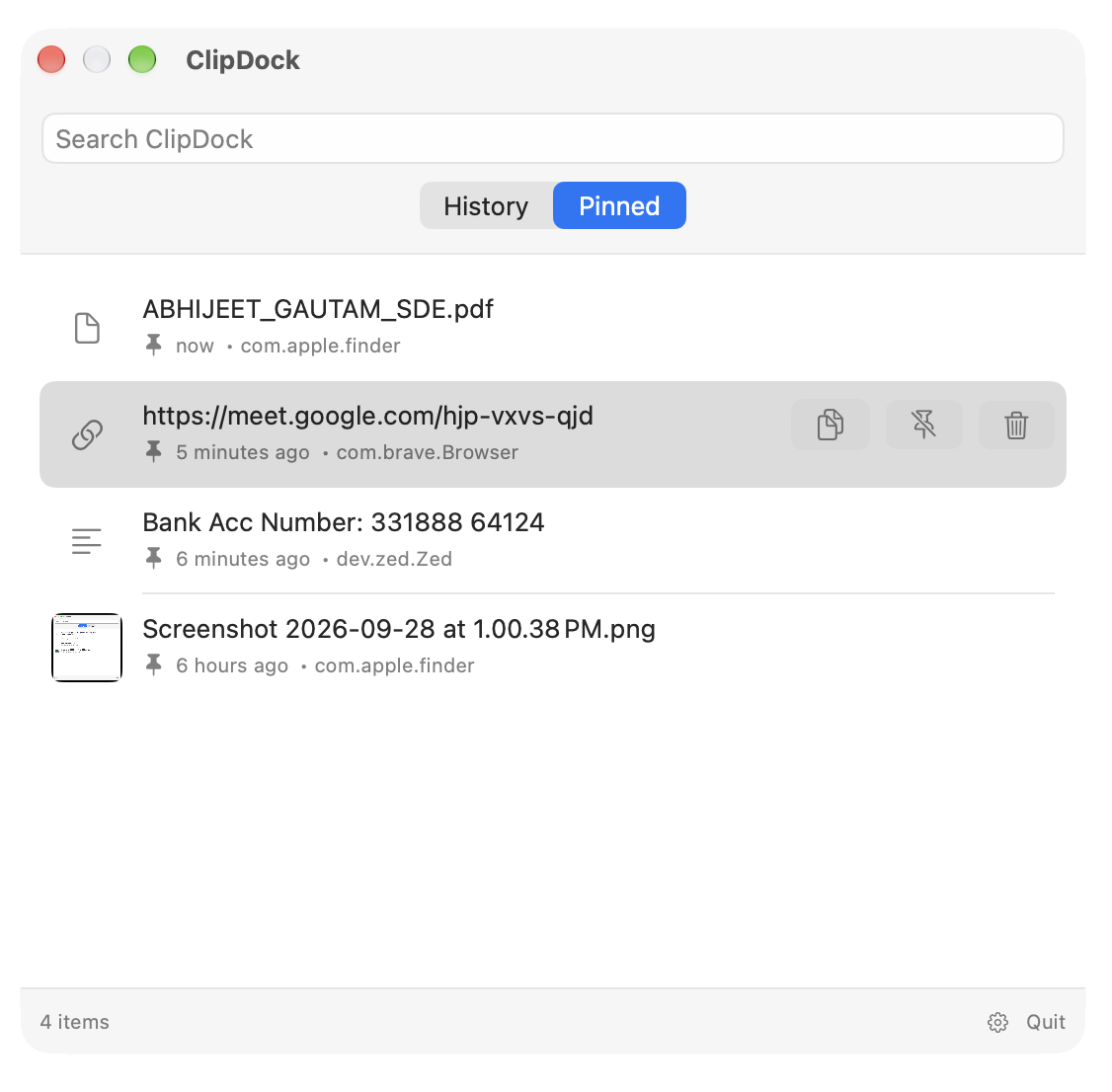
ClipDock quietly notices what you copy. Repeated copies stay tidy.
Open from the menu bar or press ⌘ ⇧ V from anywhere.
Use fuzzy search, then press Return. Your next paste is ready.
Useful, without the clutter
Pin a few essentials. Choose what ClipDock remembers. Pause it when you want a clean slate.
One-time purchase
ClipDock is a one-time purchase for macOS. No subscription, no account required.